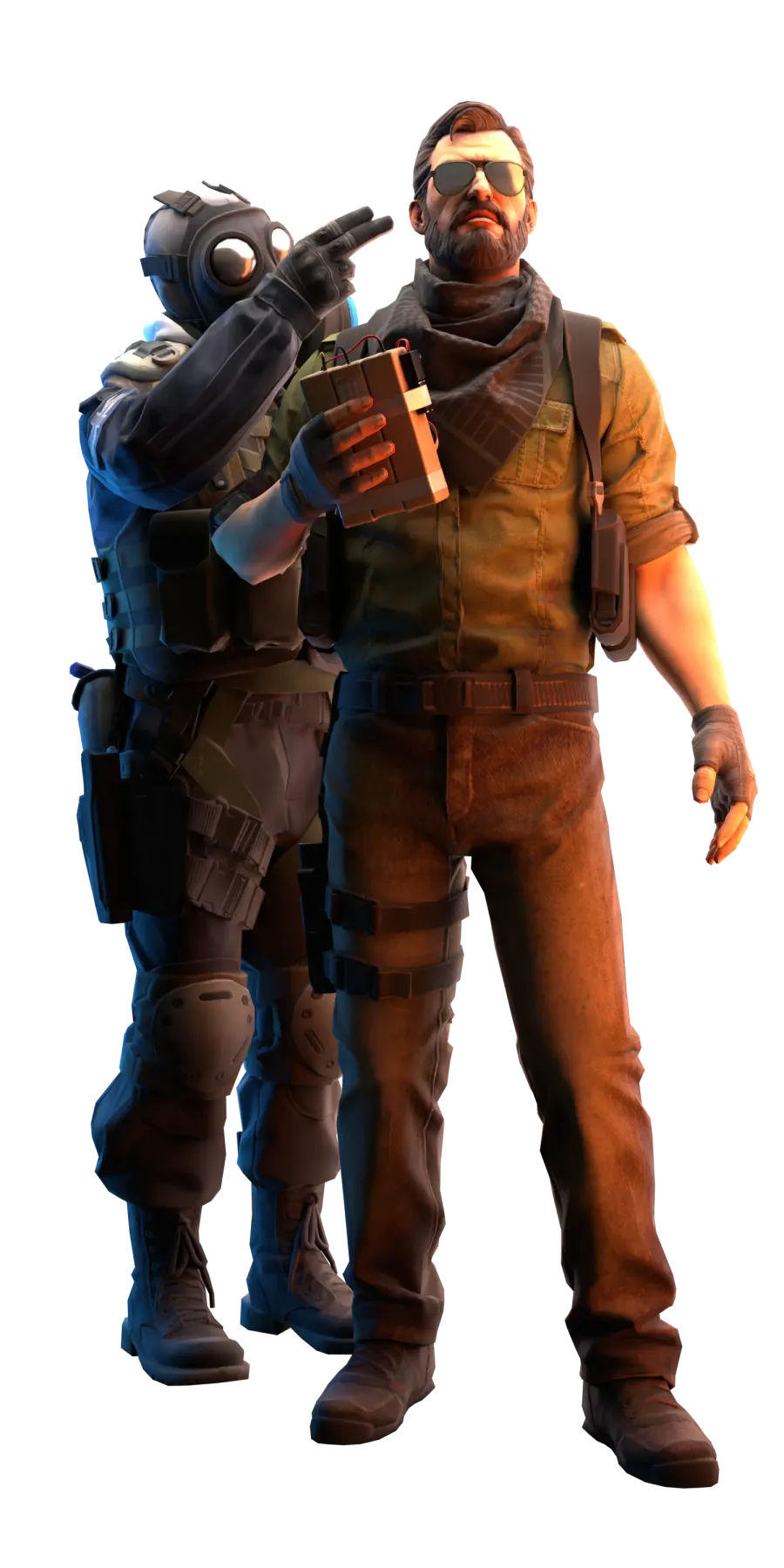
Why people still play CS:GO on yooma.su
CS:GO servers run the original Counter-Strike: Global Offensive, the version that existed before CS2, with the familiar physics, shooting and maps. For those who miss the old client: the servers live in the shared project list, and connecting and statistics work like in any other mode.
Quick start and common issues
How to start
- 1Open the mode server list
- 2Choose a server with lower ping
- 3Connect in one click and test 2-3 options
Common issues
- Server full: pick a nearby alternative
- Connect failed: check CS2 version and Steam status
- High ping: switch to a lower latency server
Other popular modes

Useful yooma.su sections
FAQ
Frequently asked questions about this guide and mode
Is this really CS:GO and not CS2?
Yes, these are servers running the original Counter-Strike: Global Offensive — the old physics, shooting and maps. The mode exists for players who did not get along with the CS2 changes.
How do I connect to a CS:GO server?
Connecting works the same as for the project's other servers: via the button on the mode page or by IP from the list. The servers appear in the shared catalogue with online counts and maps.
Do the site's features work on CS:GO servers?
Profiles, statistics and punishments are shared across the whole project, so playing on CS:GO servers counts the same as any other mode.