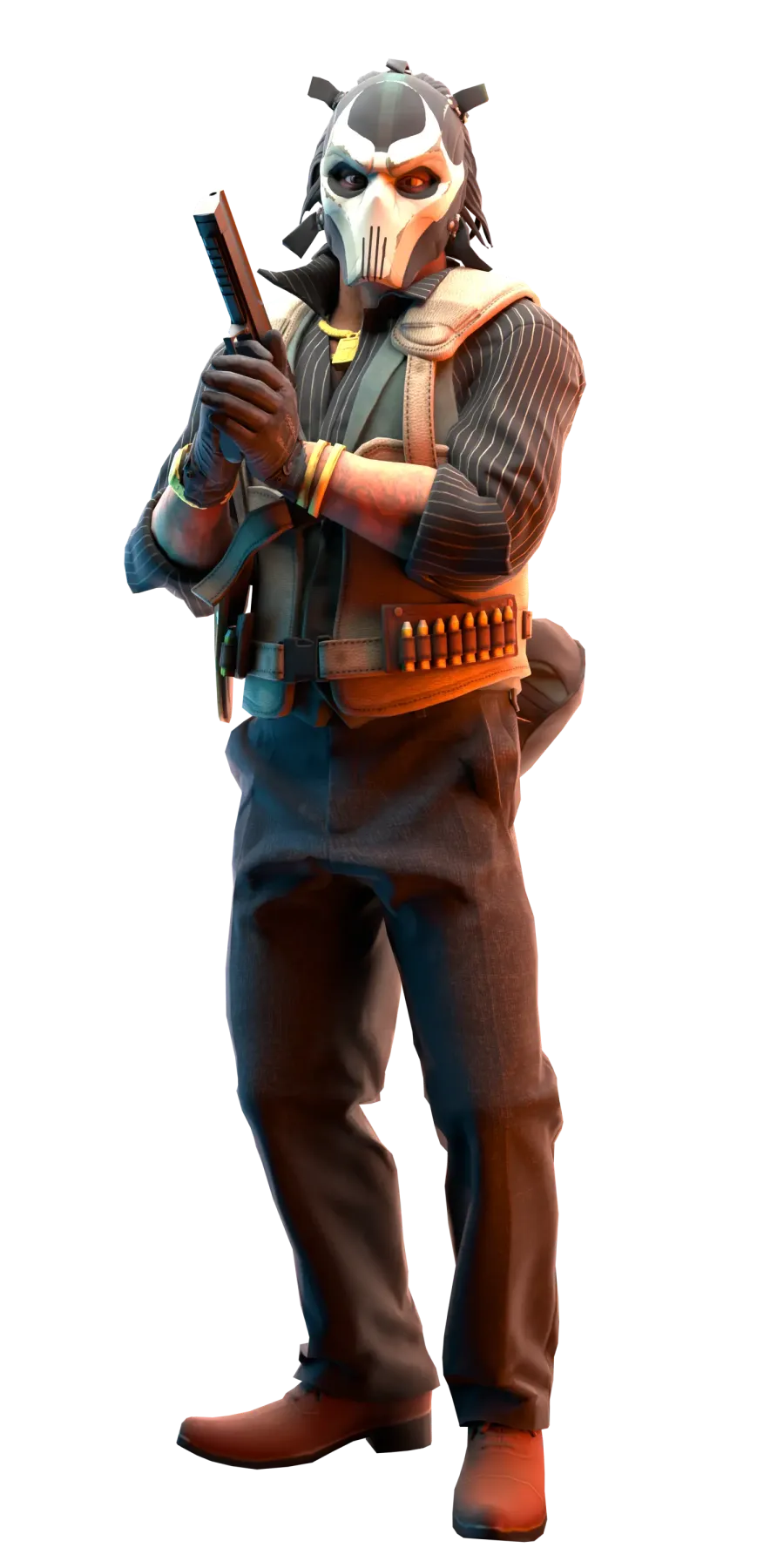
Why players choose PUBLIC on yooma.su
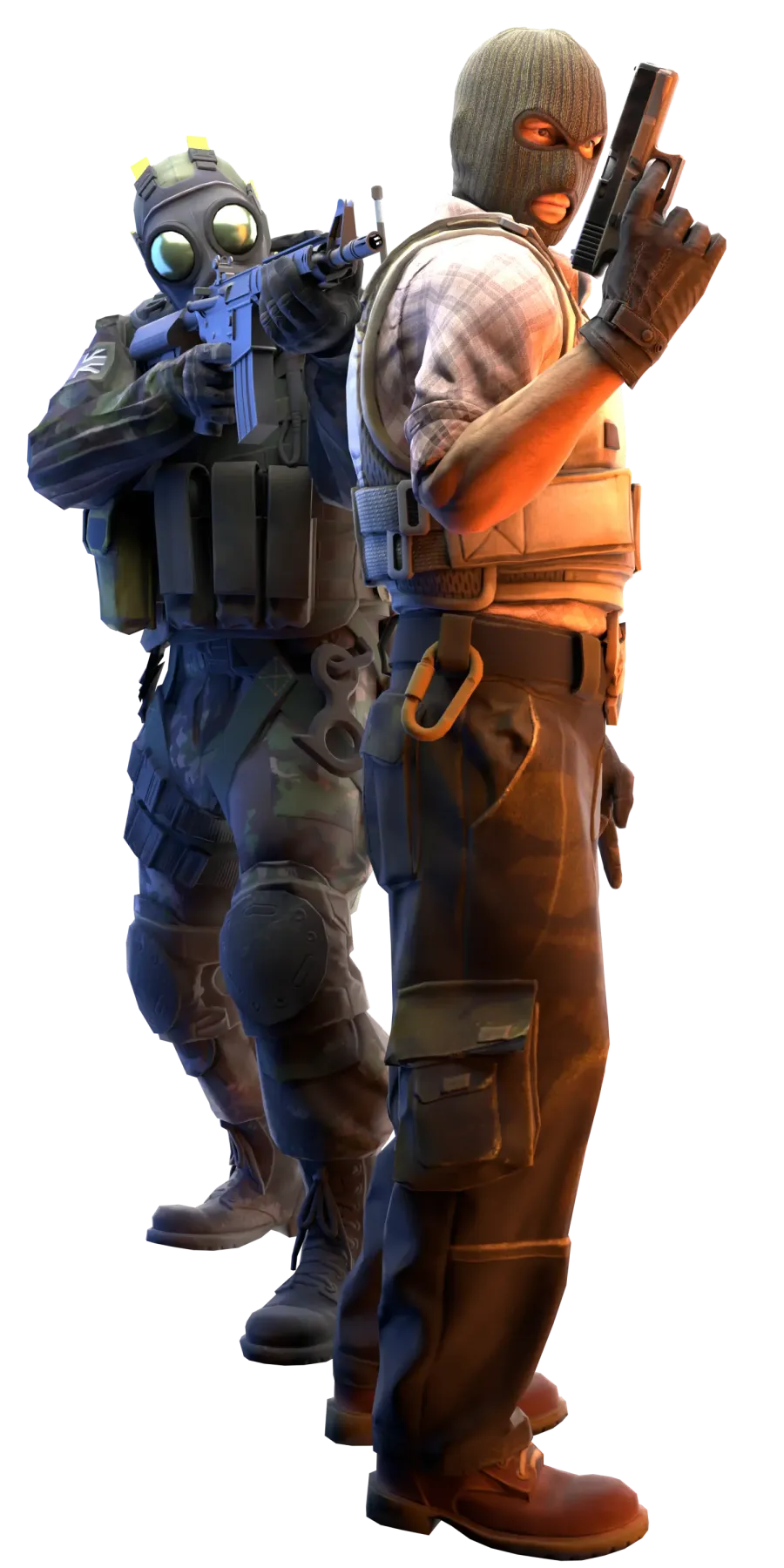
PUBLIC is the classic team mode of CS2: two teams, standard maps like Dust2, Mirage and Inferno, weapon buys and rounds until victory. On yooma.su it is the busiest mode: several servers with different maps and full online in prime time, while ranks, the skinchanger and project challenges work right on the server.
Quick start and common issues
How to start
- 1Open the mode server list
- 2Choose a server with lower ping
- 3Connect in one click and test 2-3 options
Common issues
- Server full: pick a nearby alternative
- Connect failed: check CS2 version and Steam status
- High ping: switch to a lower latency server
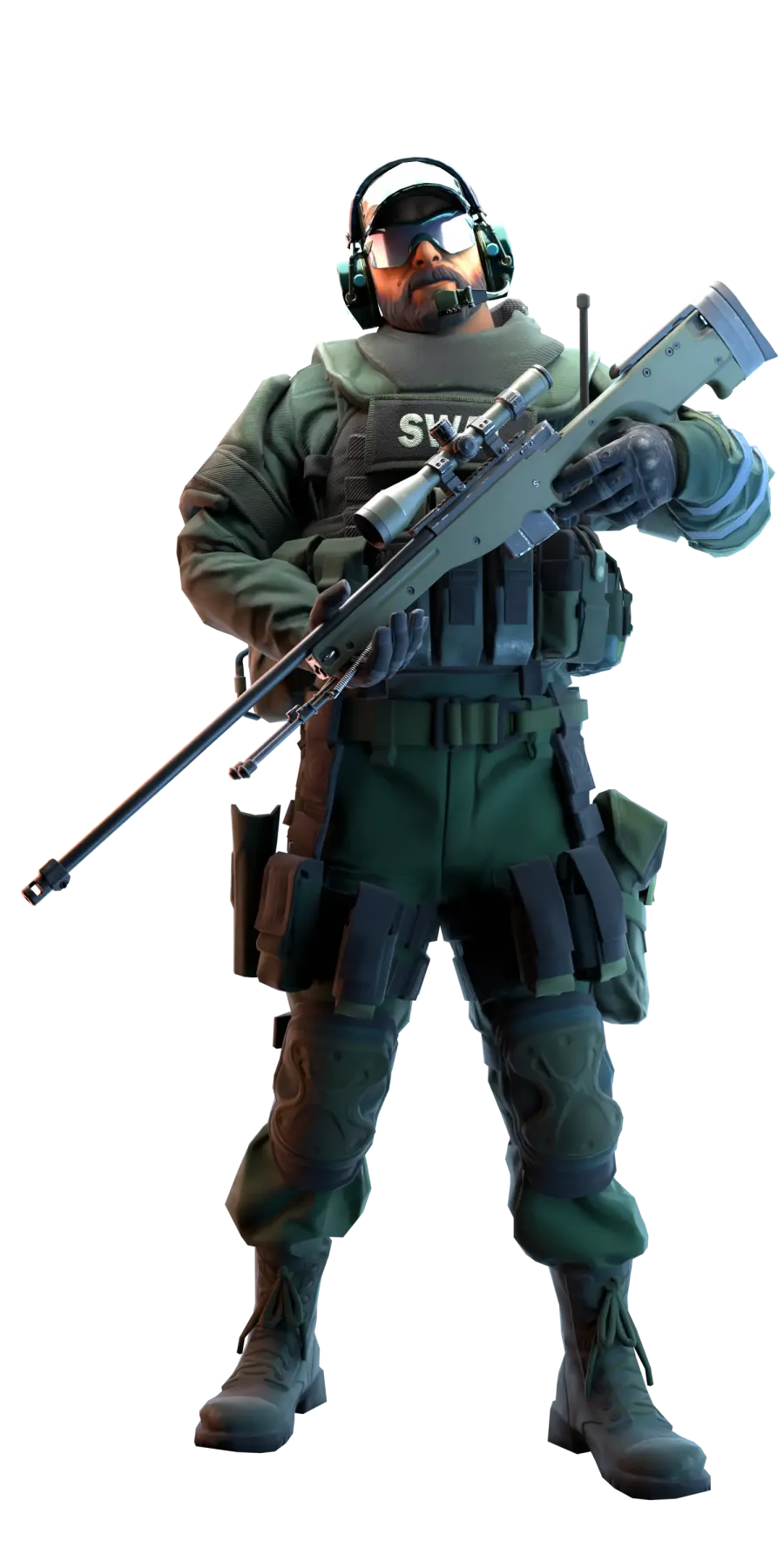
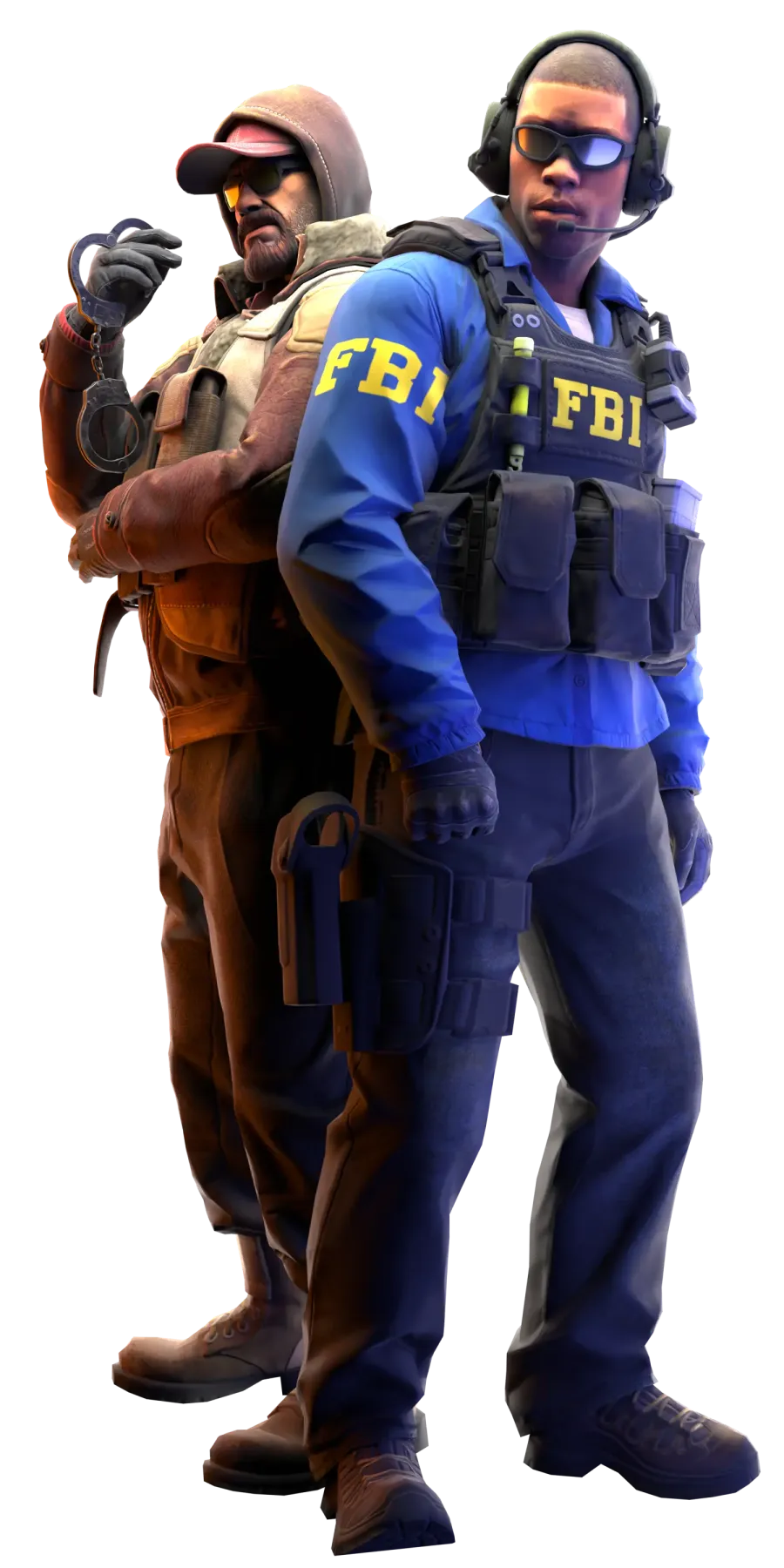
Other popular modes
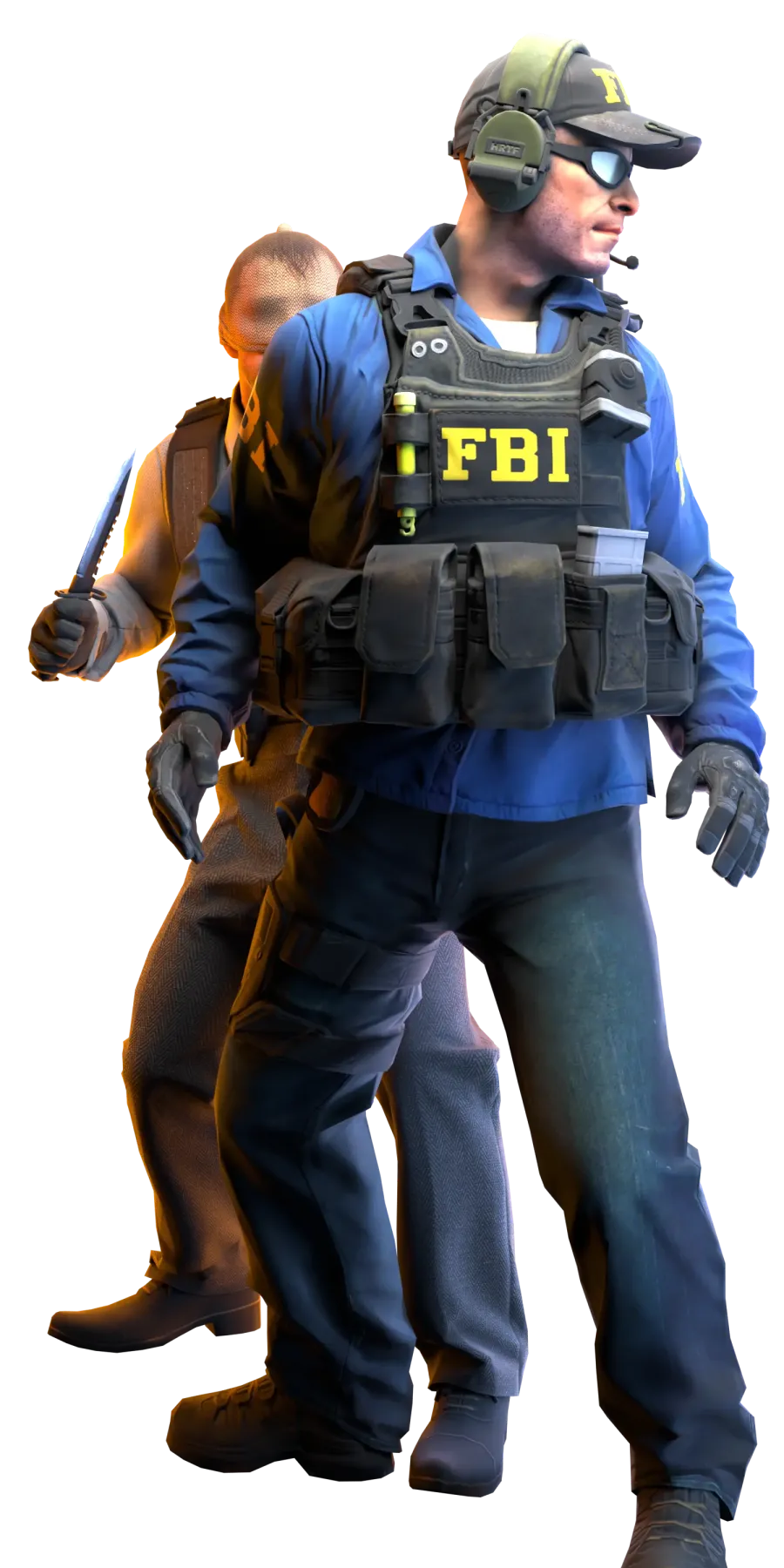
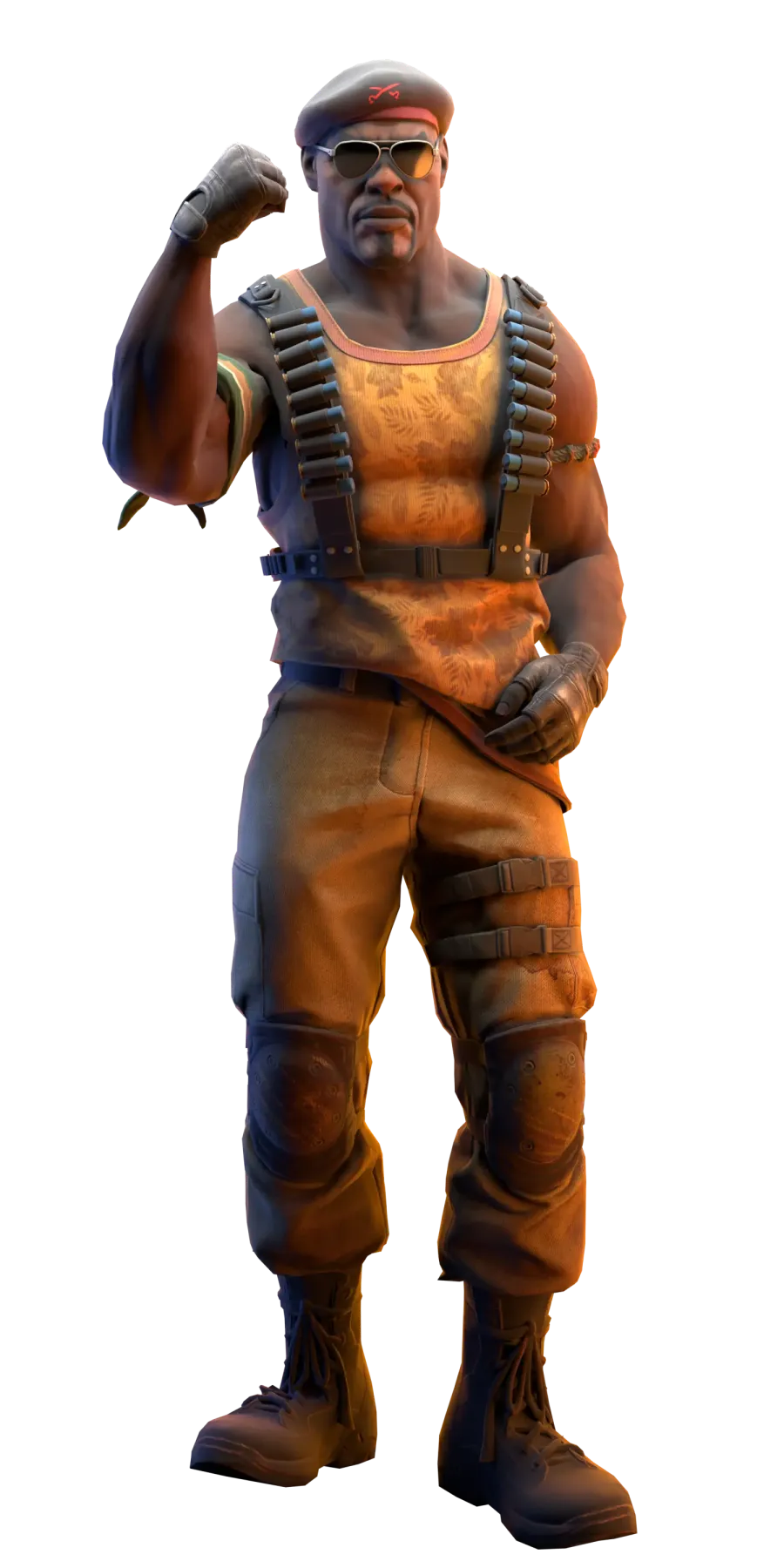
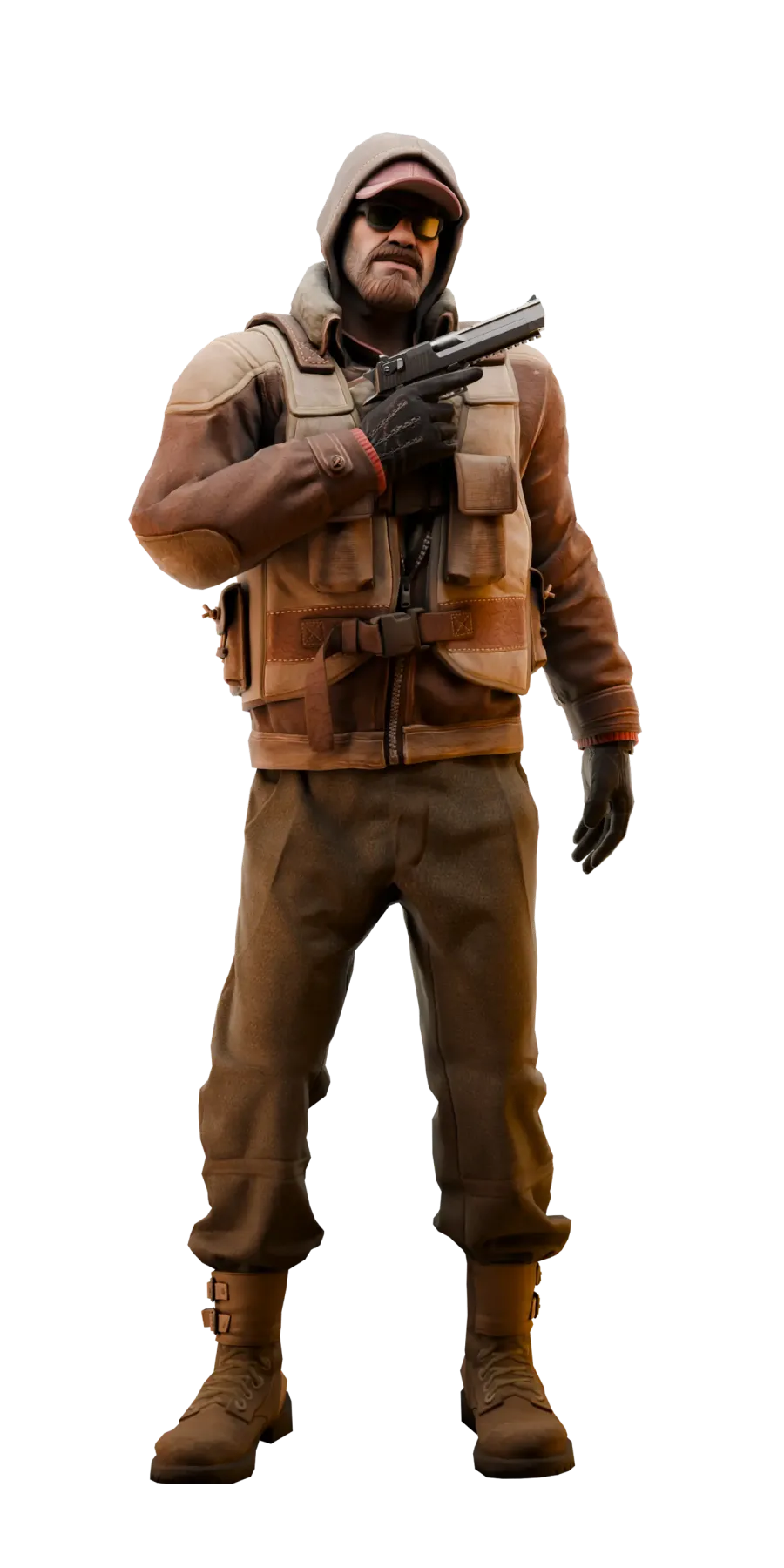
Useful yooma.su sections
FAQ
Frequently asked questions about this guide and mode
Why are there no free slots on a server?
In prime time public servers fill up completely. The server list shows live player counts and the current map, so picking a neighbouring server with the same map is faster than waiting for a slot.
Do I need the launcher to play on public servers?
No. You can connect from Steam by IP or with the button on the mode page. The launcher speeds up map downloads and simplifies joining, but the game itself is not limited without it.
How is PUBLIC on yooma.su different from a regular public server?
Besides standard maps like Dust2, Mirage and Inferno, some servers in this mode run sub-modes: FUN servers add random events, and a few separate servers keep enemy highlighting on permanently. Ranks, challenges and the skinchanger work while you play.